

Smart Connectivity / Office
Office Wi‑Fi your team can count on
For small offices, clinics, professional firms and shared workspaces that need every desk, meeting room and back office connected, and every call to stay up.
Sound familiar?
These are the issues we hear most from Maritime offices.
- Video calls freeze or drop in the middle of meetings.
- Signal is weak in meeting rooms, back offices or on the second floor.
- Visitors connect to the same network as company computers and files.
- The network was set up years ago and nobody knows how it's configured.
- Every problem means waiting for someone to come on site.

What we deliver
We design, install and document a network sized for your team, your floor plan and the tools you rely on.

Full coverage with smooth roaming
We plan access point placement for your layout so every desk and meeting room has strong signal, and laptops and phones move between rooms without dropping.
- Coverage across floors and additions
- Designed for the number of people and devices you have
- Current Wi-Fi 7 and Wi-Fi 6 equipment
Your team stays connected anywhere in the office.
Priority for calls and business apps
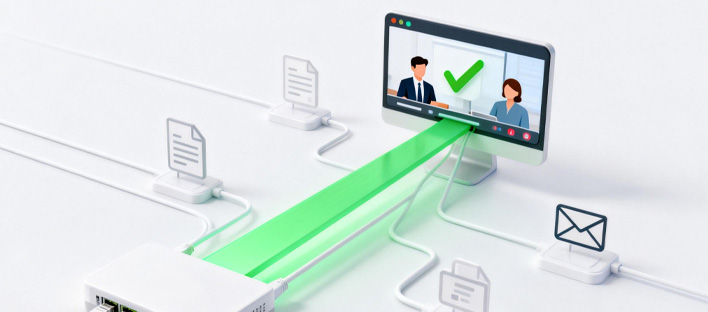
We configure your network so video meetings, VoIP phones and business-critical software get bandwidth first, even when someone is uploading large files.
- Traffic prioritization for calls and conferencing
- Fair bandwidth sharing across the office
- Tuned for Teams, Zoom, Google Meet and VoIP phones
Meetings stay smooth and productive.

Separate staff and guest networks
Staff, guests, printers and phones are placed on their own segments, so a visitor's laptop never shares a network with your client files.
- Isolated guest Wi-Fi with its own password
- Separate segments for staff, devices and phones
- Secure remote access for staff working off-site
Better security with no extra hassle for your team.

Documented and remotely supported
You get a documented network: what's installed, where, and how it's set up. With managed care, we monitor it remotely and often fix issues before you notice them.
- Network map and device list handed over
- Remote monitoring and firmware updates
- Easy to expand for new staff or a second location
Less downtime, and no more guessing how things are set up.
How your project runs
We plan every office project to keep disruption to your business as low as possible.
Site survey
We measure your current coverage and review your internet service, equipment and cabling.
Design and quote
You receive a coverage plan, equipment list and fixed quote, with options where they make sense.
After-hours install
We can install evenings or weekends so your team isn't interrupted.
Handover
We verify coverage, walk you through the setup and hand over full documentation.
What you get
Fewer dropped calls
Stable video and voice across the whole office.
Better security
Guests and devices kept apart from company data.
Room to grow
Add staff, rooms or a second office without starting over.
Less downtime
Remote monitoring catches problems early.
One accountable team
Survey, installation and support from the same local people.
A typical layout
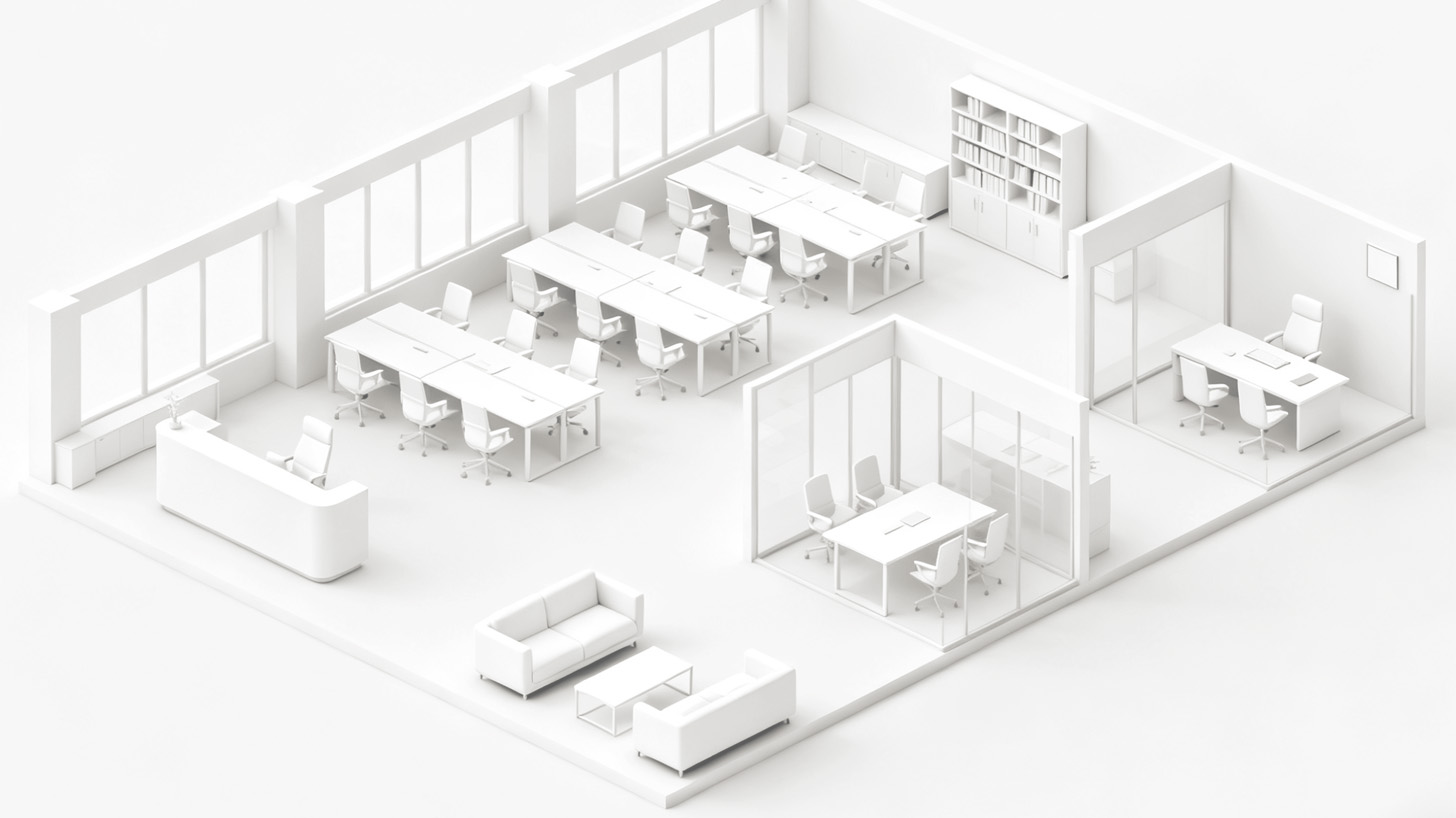
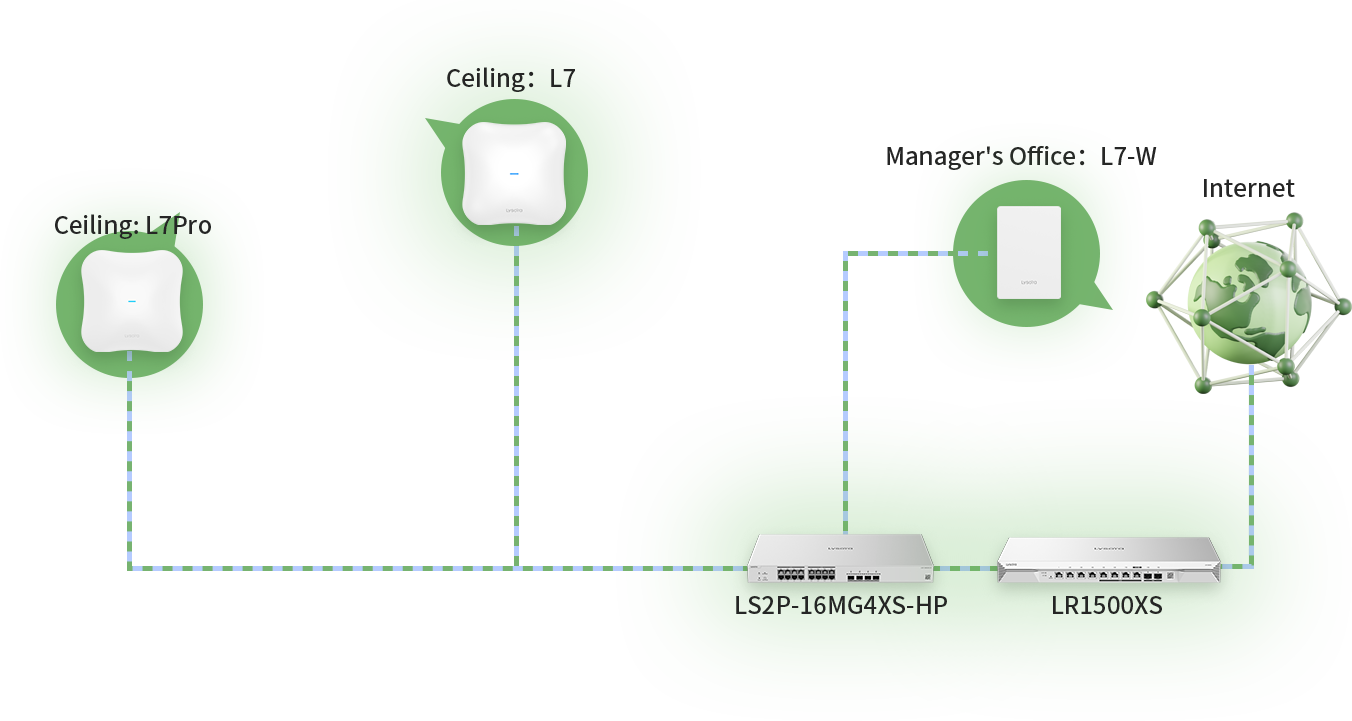
An example of how an office network is laid out, from the internet connection to the access points in each room.
Ready for office Wi-Fi that just works?
Book a site survey and get a clear plan for your space.